
Track
Site Reporting
What happened on site, captured on site — not reconstructed from memory back at the office.
Site Reports
Health & safety, quality, near miss, damage — filed in minutes.
A worker files a report on the spot, with photos, and it's exportable as a PDF the office can act on the same day. Admins triage what's open, in progress or resolved — nothing sits unread in a group chat.
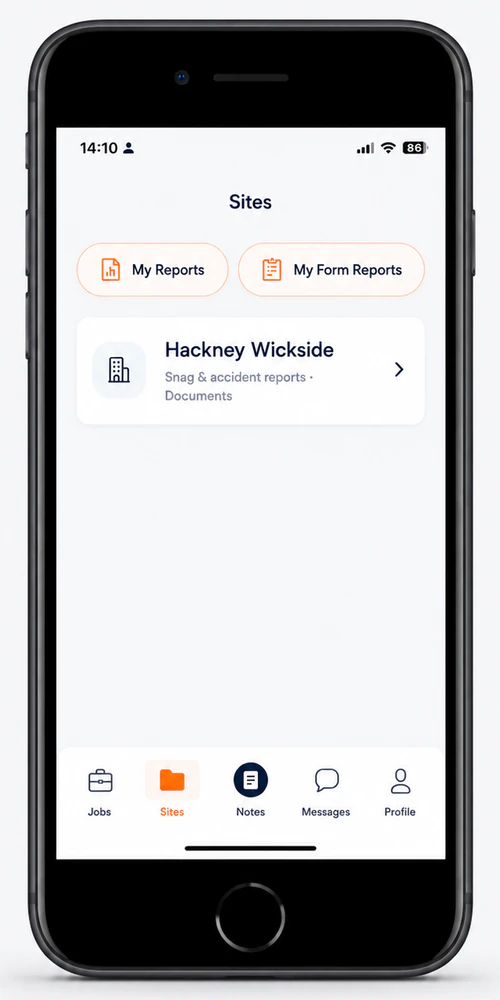
Talk through what you saw; it comes out the other end as text, filed against the right job, without a worker typing a word.
Voice-dictated Site Notes
Say it once. It becomes the record.
A worker dictates a site note on the move — no stopping to type on a phone in a hi-vis glove. Every note for a site compiles automatically into that site's own document library, building a running history without anyone having to assemble it.
The office side
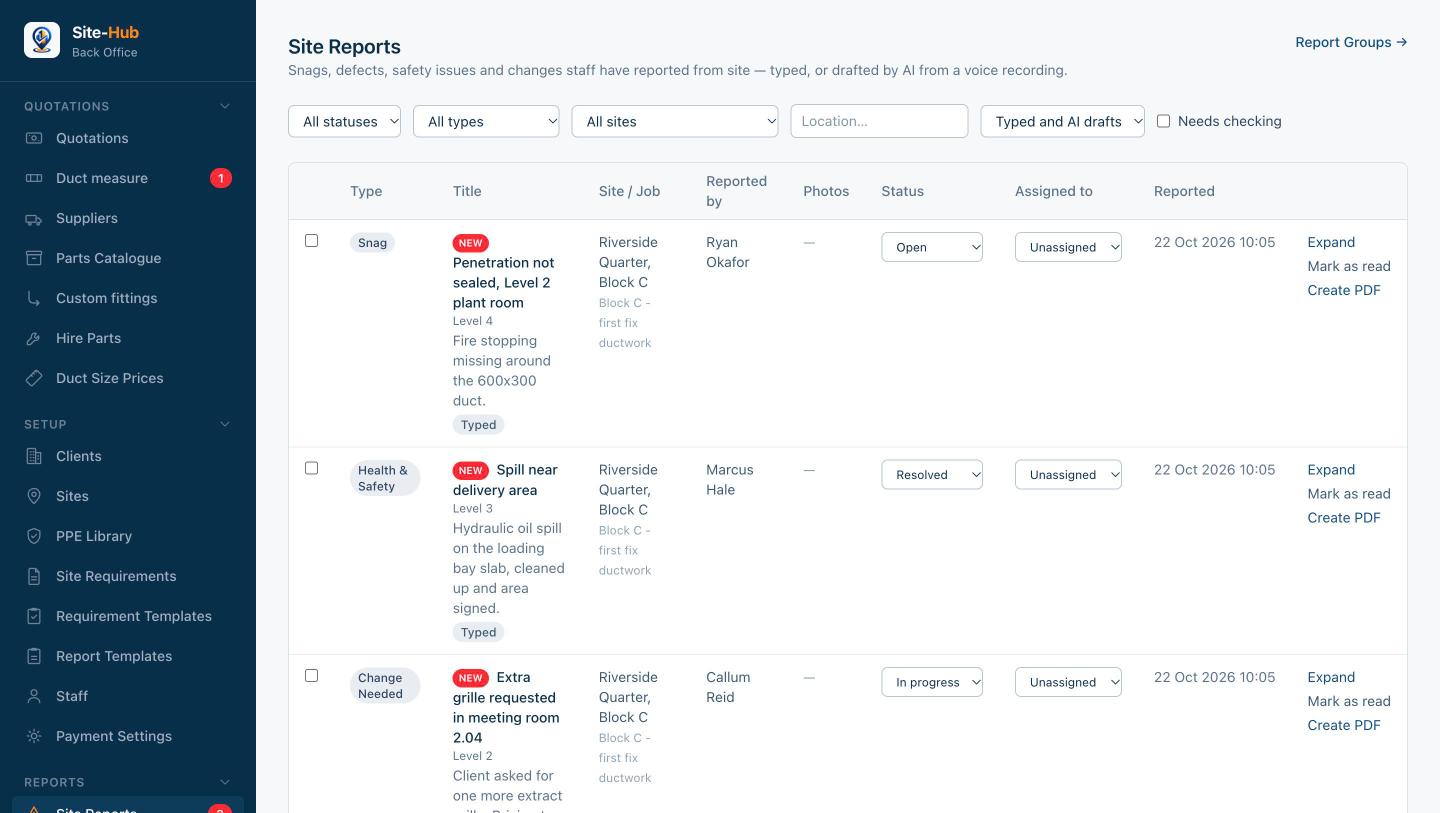
Triage from one list.
Every report lands in one place the moment it is filed. Mark it as read, assign it, move it from open to in progress to resolved, and create the PDF when it needs to leave the building.
Where this connects
Reports that never disappear.
Every report goes through the same offline-safe send queue as everything else — filed from a basement with no signal, sent the moment there's a connection.
Join the early-access list